How do I reactivate a user?
Updated
For administrators
Users with an administrator role can reactivate users who have previously been deactivated.
Note: When a user is reactivated, they will regain the same permissions and team memberships they had before being deactivated.
To reactivate a user:
Log in to the web application.
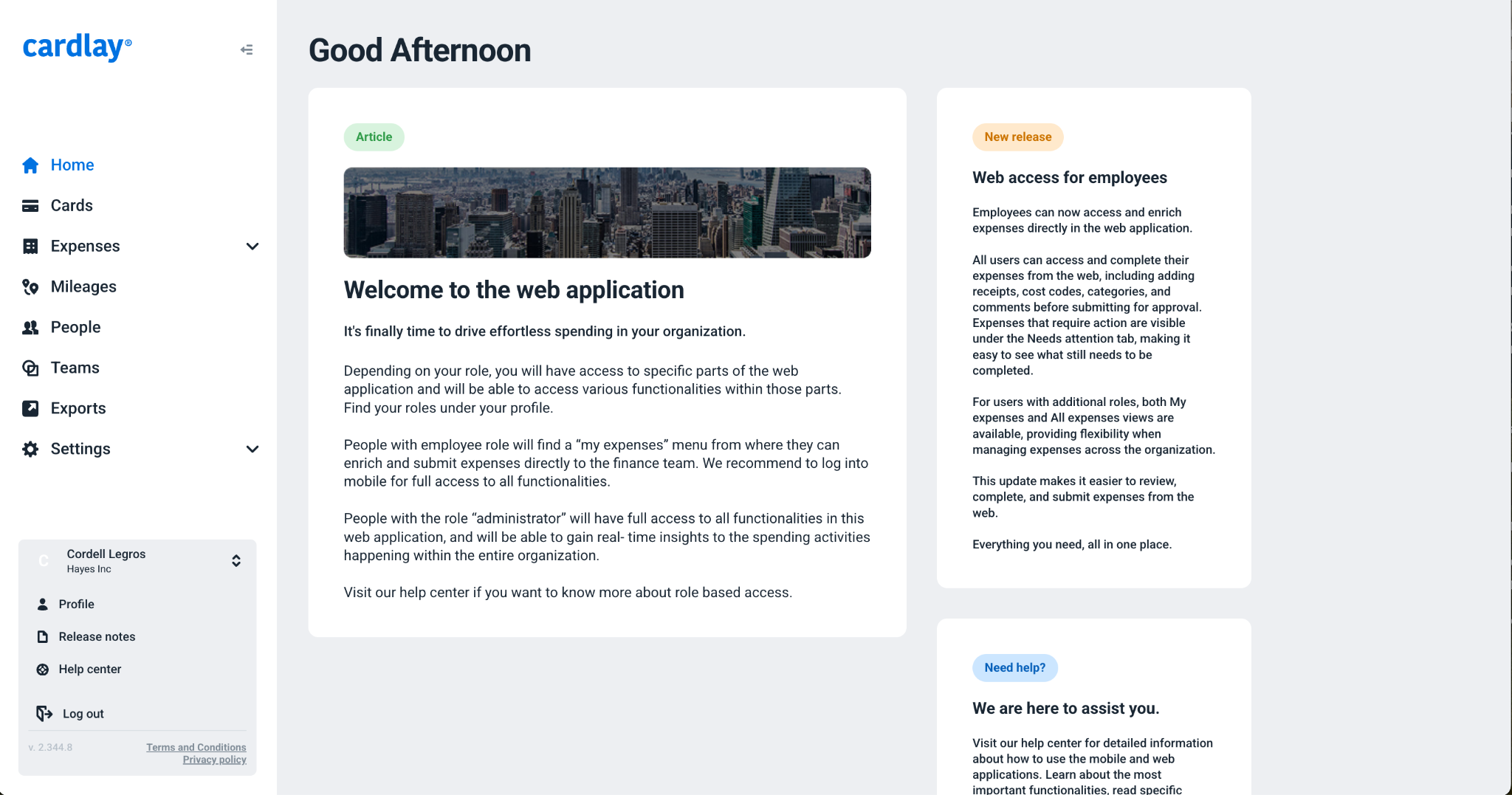
Go to the People page.
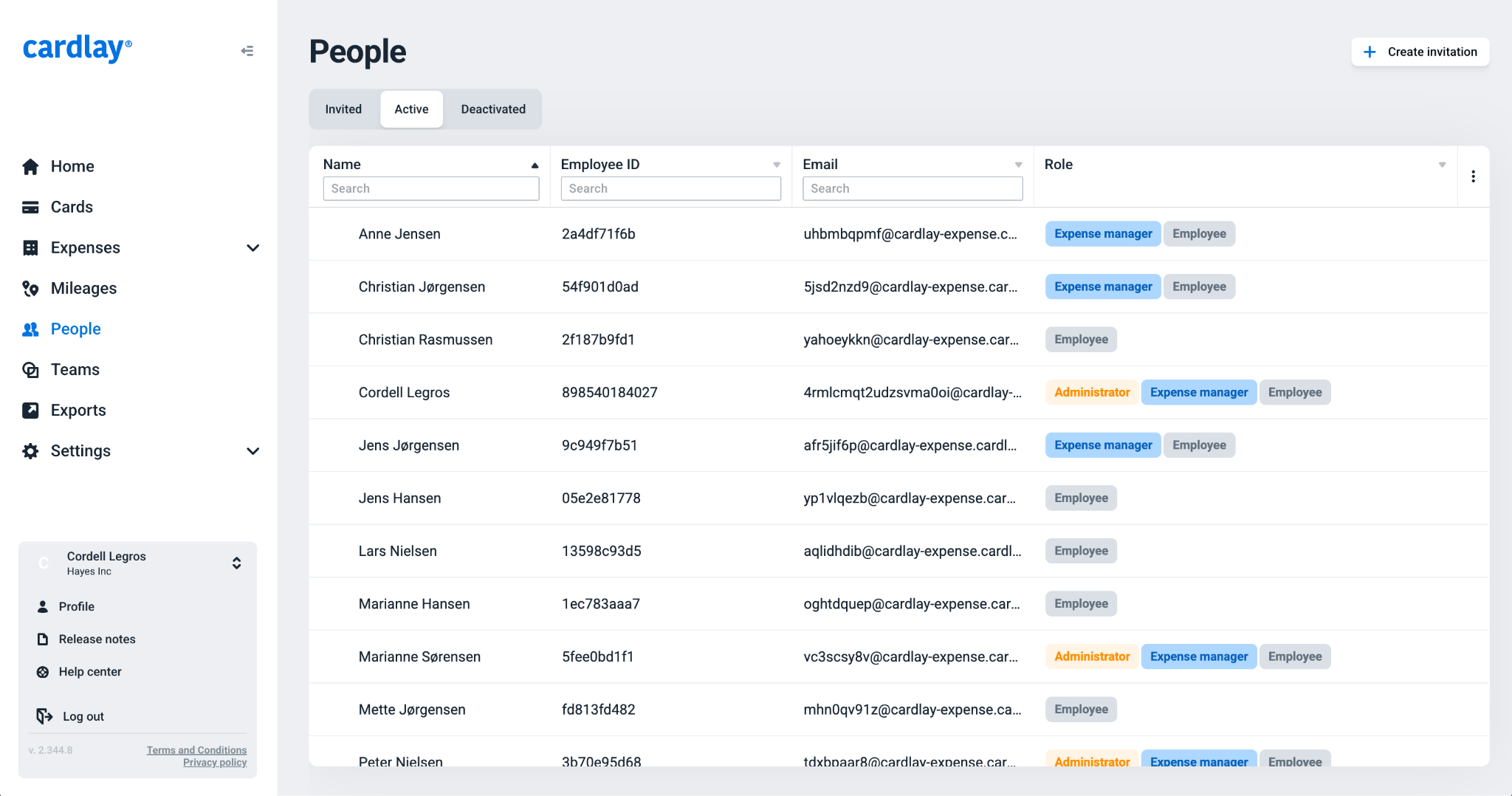
Click Deactivated in the top menu.
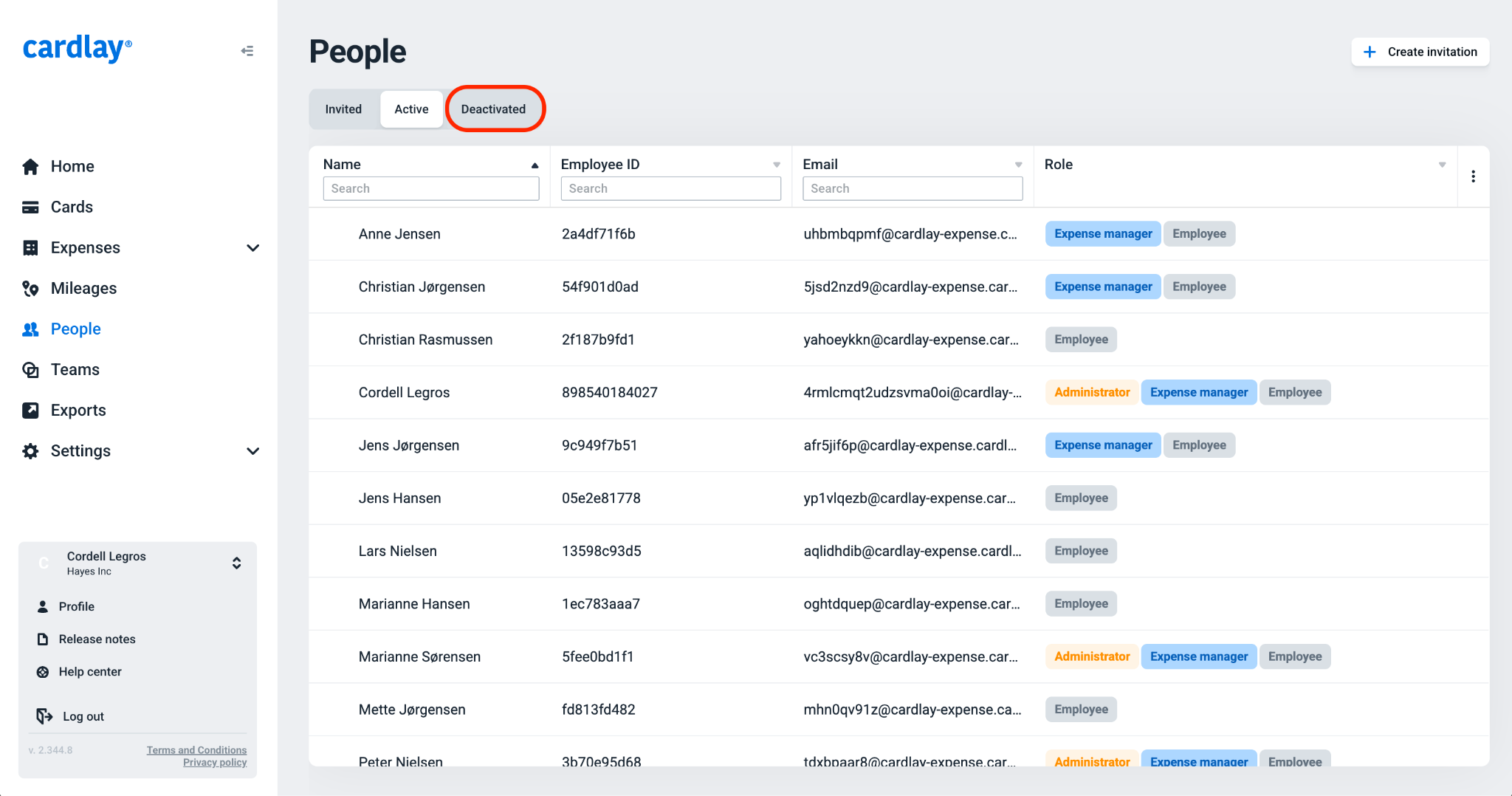
Select the user you want to reactivate.
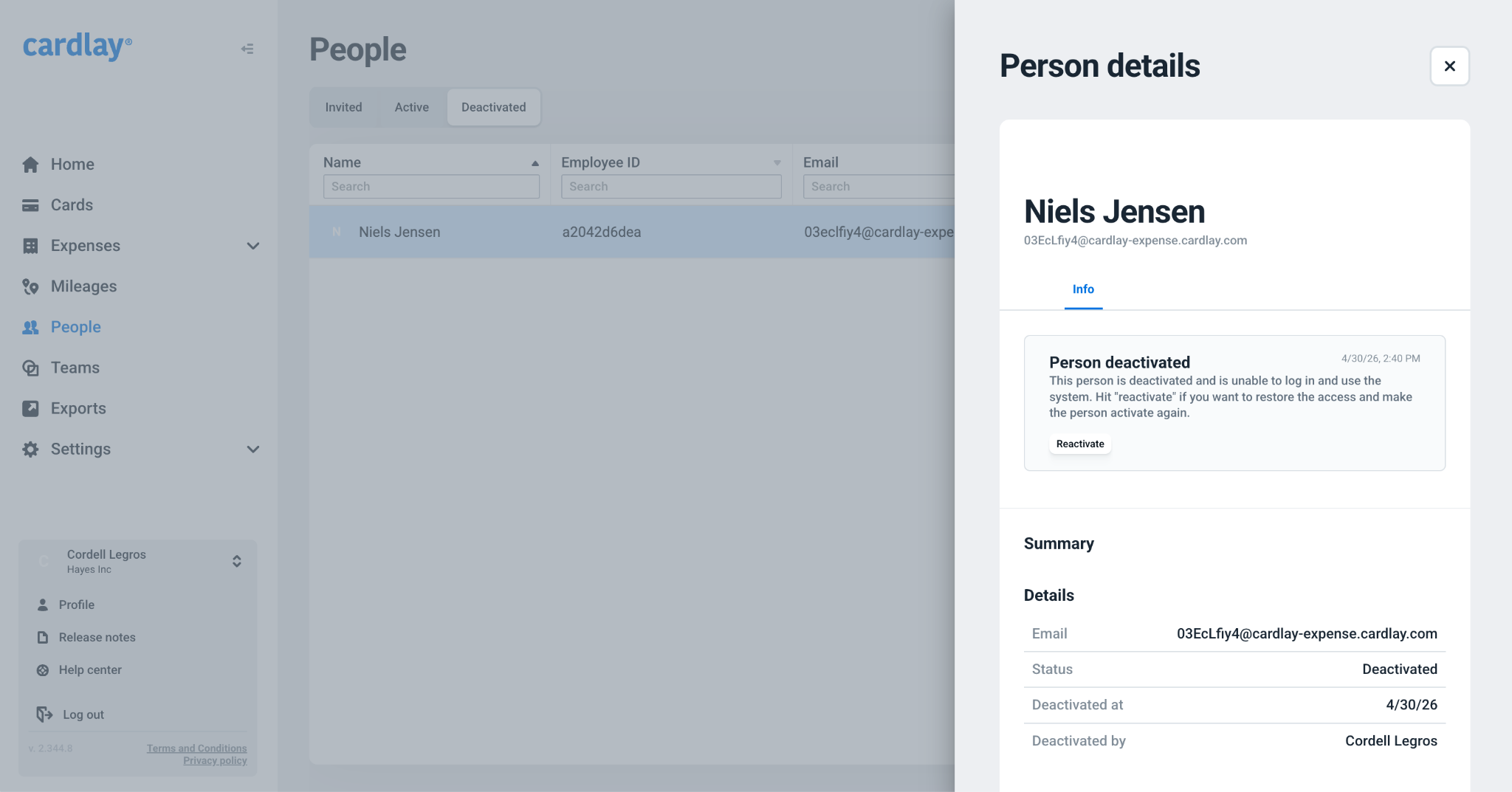
Click Reactivate.
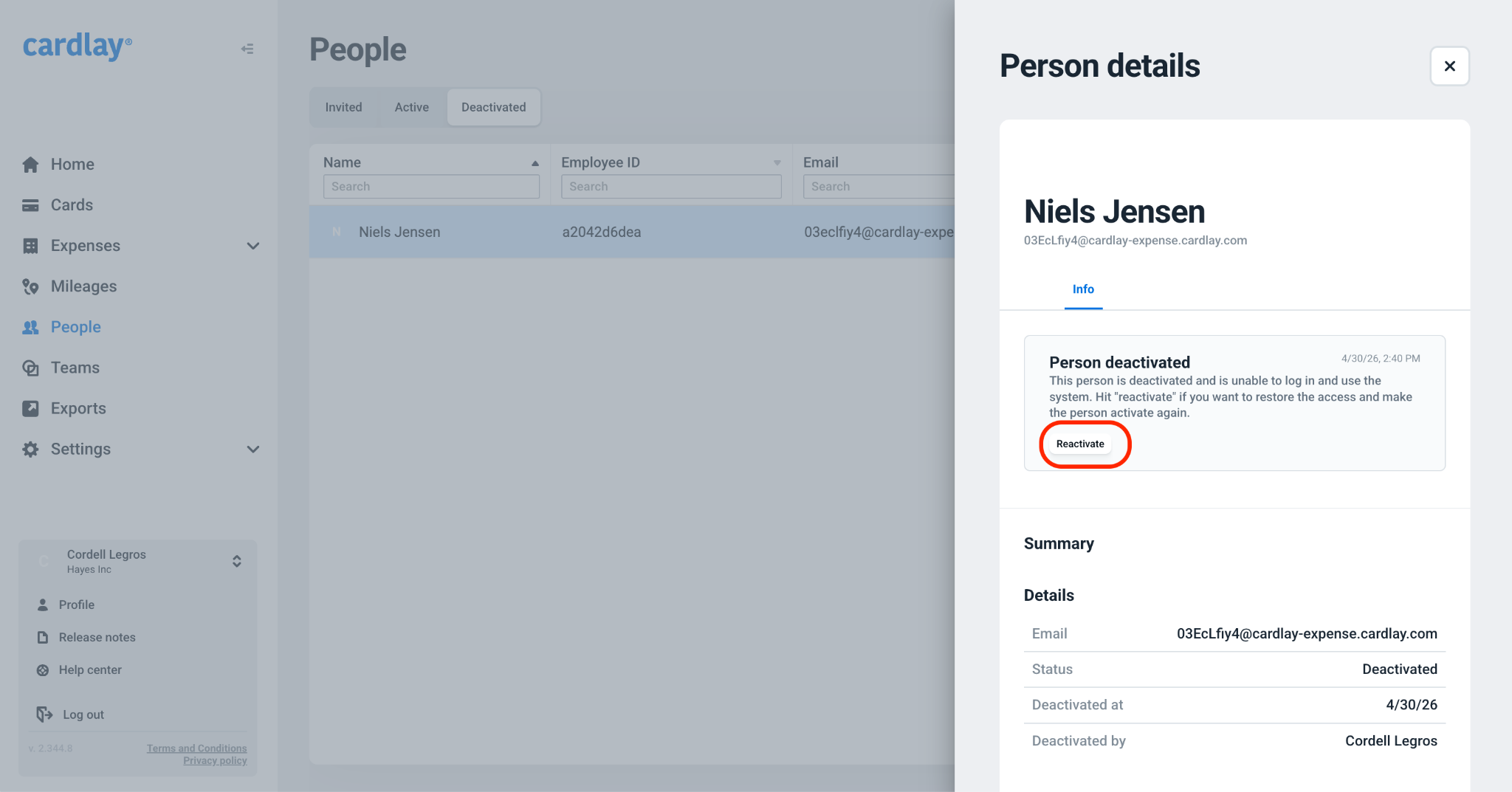
Confirm your choice.
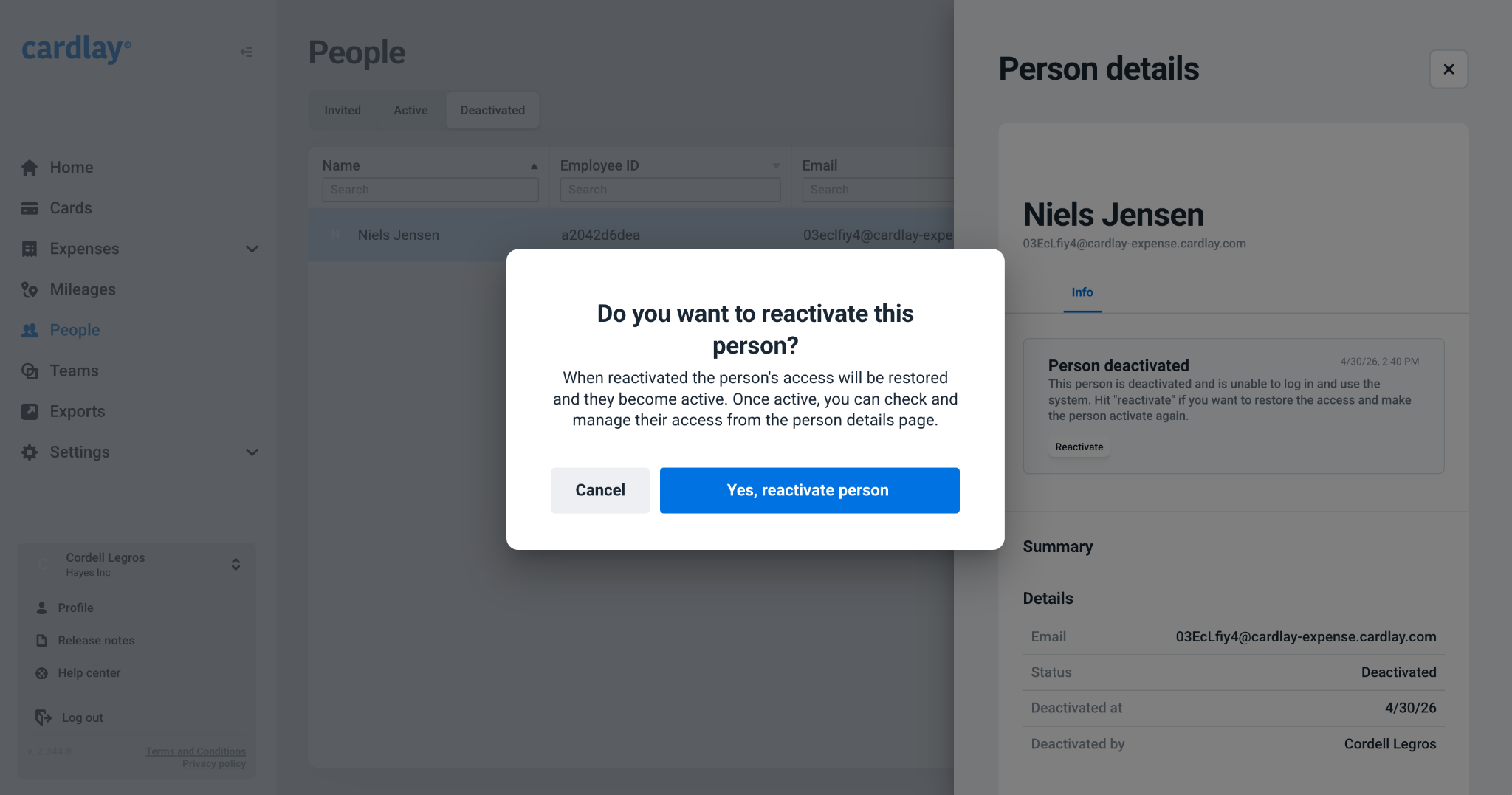
The user is now reactivated.
Was this article helpful?
0 out of 0 found this helpful
https://cardlayhelp.zendesk.com/hc/en-us/categories/4410286099857-FAQ
/hc/theming_assets/01HZM9XD4N9VNKSXR1X9DNRQZ5
FAQ
Dive in and find the answers to common questions about Cardlay Expense
custom
https://cardlayhelp.zendesk.com/hc/en-us/categories/4410027527185-Guides
/hc/theming_assets/01HZM9XD997YS2BVAT50SRN1QR
Guides
Here you can find product guides to everything regarding Cardlay Expense
new_request
/hc/en-us/requests/new
/hc/theming_assets/01HZM9XDHMC63FX0QWH9HX9DAJ
Submit a request
For all other support related questions go here for help
installation, branding, customization